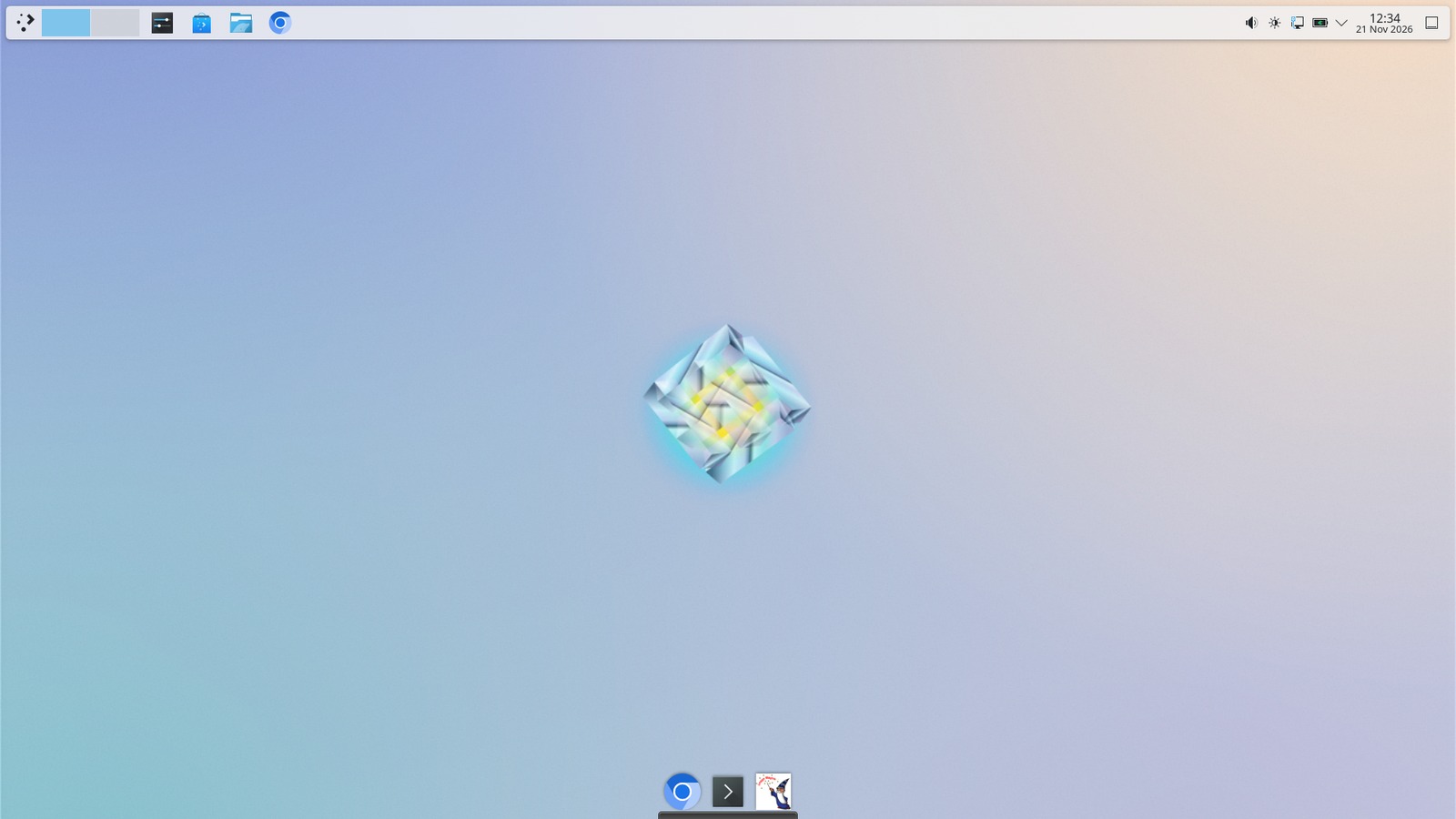
KDE Plasma desktop
Panels, widgets, Activities, KRunner and per-window rules. Plasma gives you a desktop that reshapes itself around how you work — and everything is a setting, not a registry key.
Configure Plasma →Sangharsh OS pairs the KDE Plasma desktop with the software you actually reach for — Steam with Proton, Oracle VirtualBox, KDE Discover, Stellarium and more. No setup marathon. Boot it, log in, get to work.
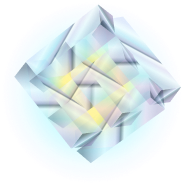
Live desktop preview
Everything below is one install away. Each card links to the guide that explains it properly, because a feature list is not documentation.
Panels, widgets, Activities, KRunner and per-window rules. Plasma gives you a desktop that reshapes itself around how you work — and everything is a setting, not a registry key.
Configure Plasma →Your Steam library, including most Windows-only games, through Valve's Proton compatibility layer. When a title misbehaves, a launch option usually fixes it.
Proton troubleshooting →Run Windows, another Linux, or a throwaway test system in a window. Take a snapshot first and you can undo an entire afternoon of experiments.
VirtualBox guide →The software centre: browse, install, update and remove applications with screenshots and reviews, all from the system's own repositories.
Using Discover →A planetarium for your desk. Real positions for planets and stars, constellations, deep-sky objects, and any date from any place on Earth.
Stargazing guide →A current browser with the privacy defaults left sensible, hardware video decoding where the GPU allows it, and every web guide on this site written with it in mind.
Maps in the browser →A real terminal with profiles and split views, plus KRunner — press Alt+Space, type, and launch, calculate or convert anything.
Essential commands →Grab the ISO, write it to a USB stick with Rufus, balenaEtcher or dd,
and you are ten minutes from a live session.